Straight answers about privacy, pricing, and how Storage Cleaner works.
What does Storage Cleaner do?
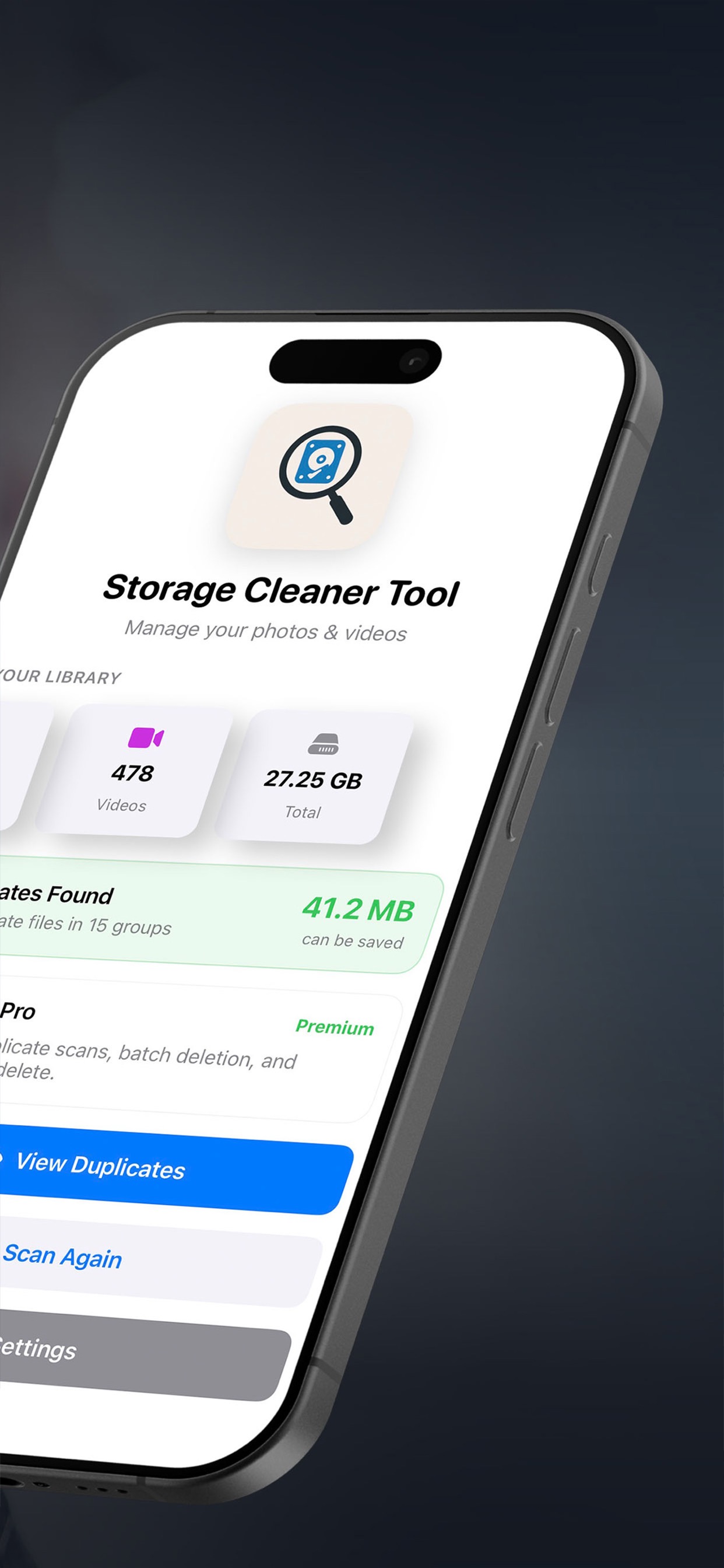
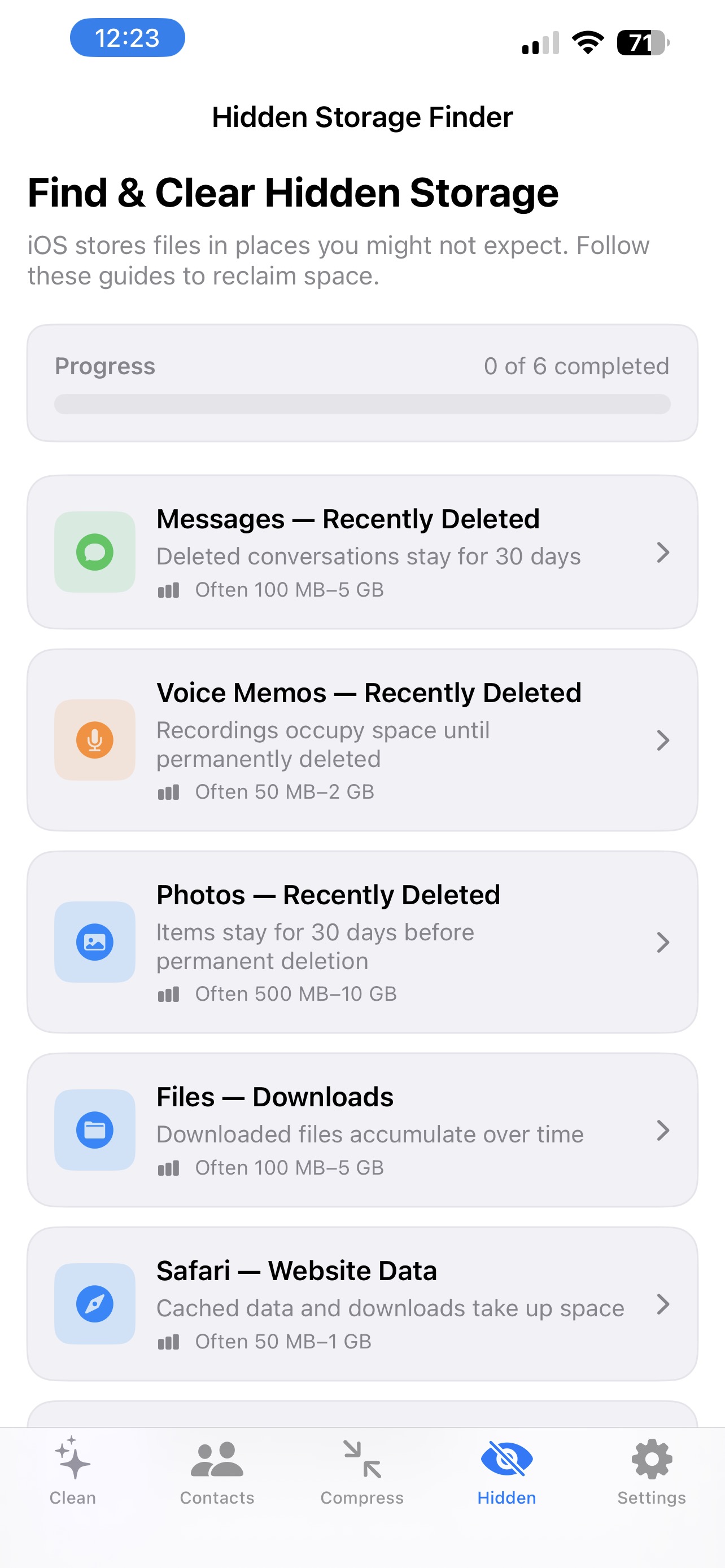
Storage Cleaner is an iPhone app by Pathvana that helps free up storage. It finds duplicate and similar photos, surfaces large videos, merges duplicate contacts, compresses photos and videos, and gives guided steps for hidden storage in Messages, Files, and Safari.
Does Storage Cleaner upload my photos?
No. All processing happens on your device. There are no accounts, no cloud uploads, and no tracking. Duplicate detection uses Apple's on-device Vision framework.
How does it find duplicate photos?
For each photo, the app uses Apple's Vision framework to generate a feature print, a compact description of what the image looks like, and compares those prints to group exact copies and visually similar images such as burst shots, cropped or resized versions, edited copies, compressed copies saved from messaging apps, and repeated screenshots.
Is it free?
Downloading is free. Free access lets you scan your entire library, preview all duplicate photos, videos, and contacts, and perform a limited amount of cleanup per scan. Full cleanup is unlocked with Lifetime Access, a one-time $9.99 purchase. It's a one-time purchase with no subscription. Prices are US prices from the App Store listing and may vary by region.
Will it delete anything without asking?
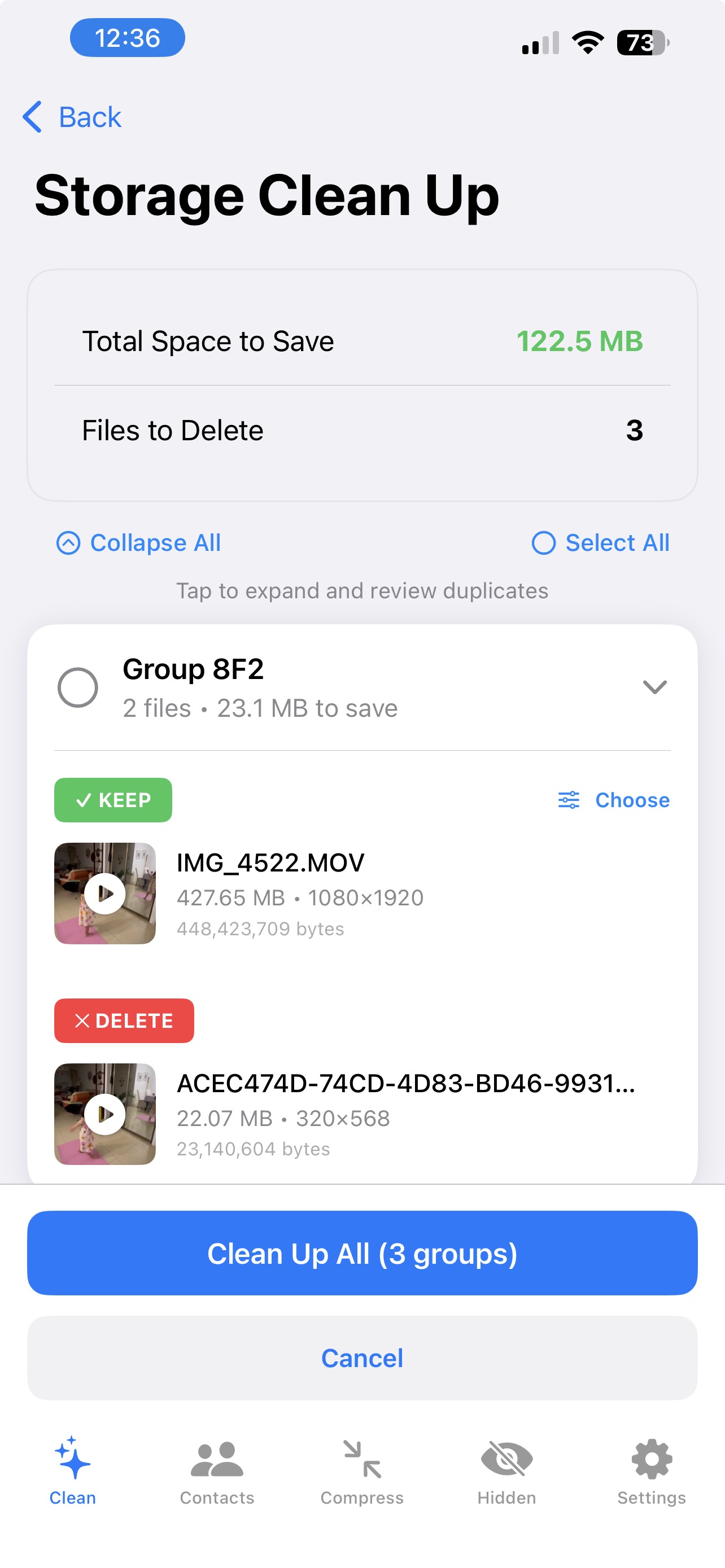
No. You preview everything before deleting, merging, or compressing, and nothing changes without your confirmation. You choose which photo to keep in each group.
Can I recover photos I delete by mistake?
Photos deleted from your library go to the Recently Deleted album in Apple's Photos app, where they can usually be recovered for about 30 days unless you empty that album.
Does it work with iCloud Photos?
Storage Cleaner works with the photo library on your iPhone. If iCloud Photos is turned on, your library is synced, so deleting a photo on your iPhone also removes it from iCloud and your other devices. Review groups carefully before deleting.
How does it merge duplicate contacts?
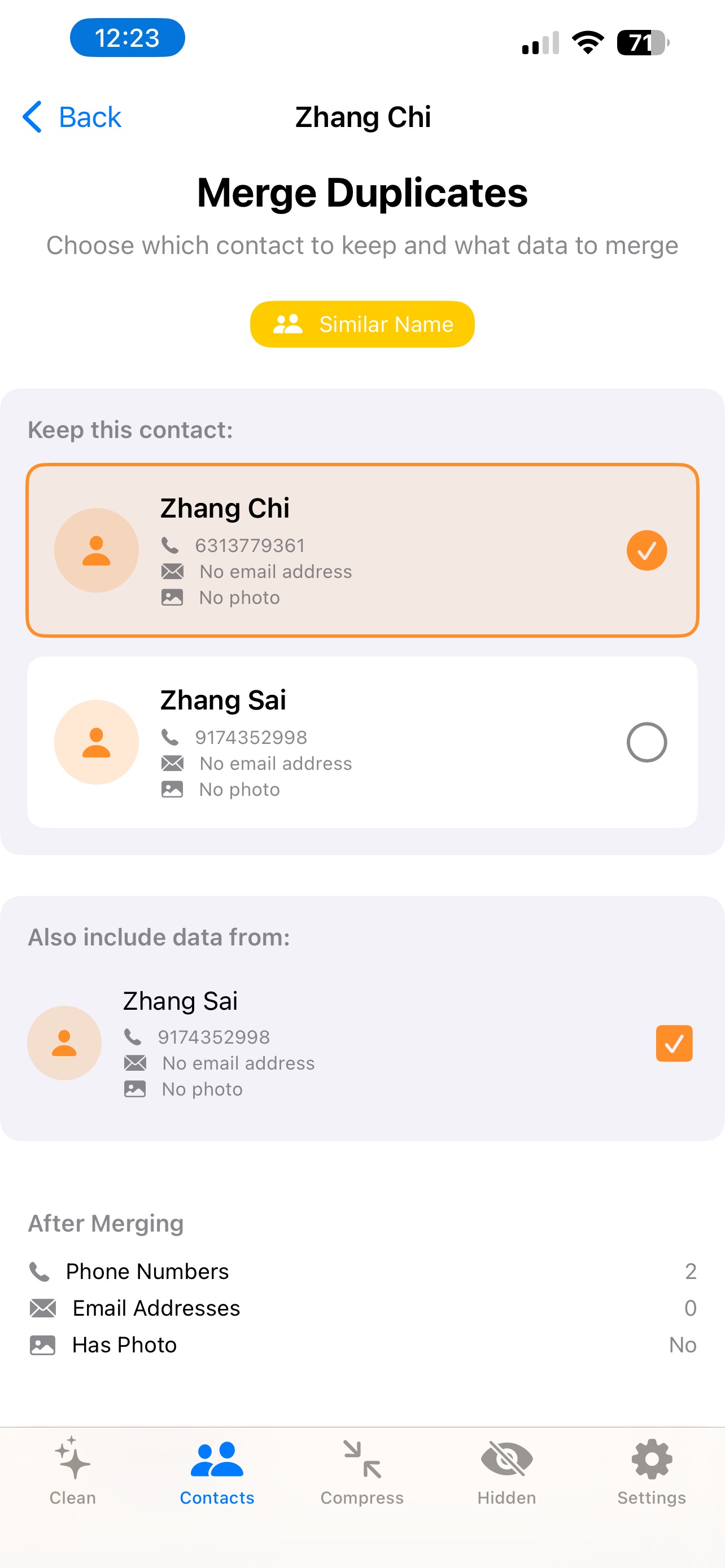
It detects duplicate contacts by name, phone number, or email and shows you the merged result before you apply it, so you do not lose numbers, emails, or notes.
Can it compress photos and videos?
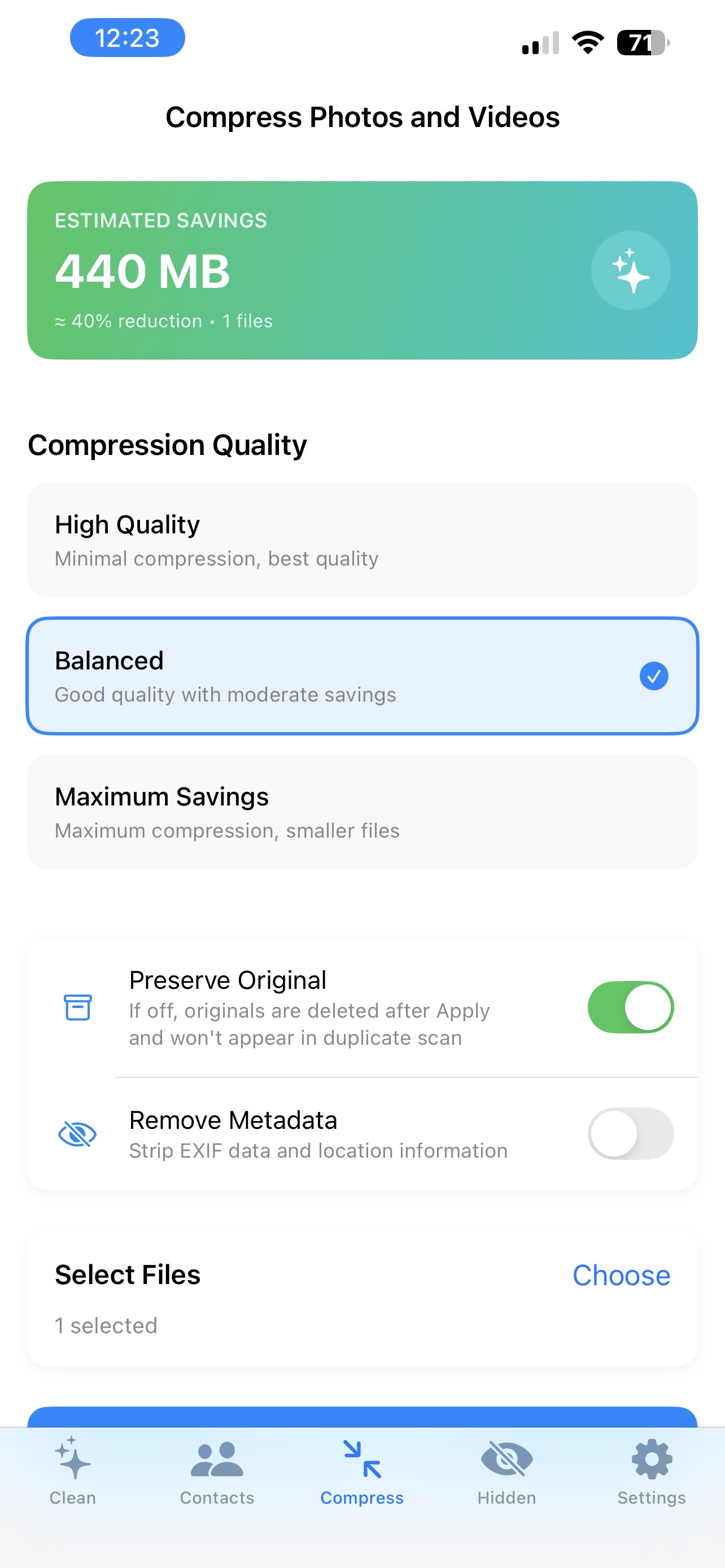
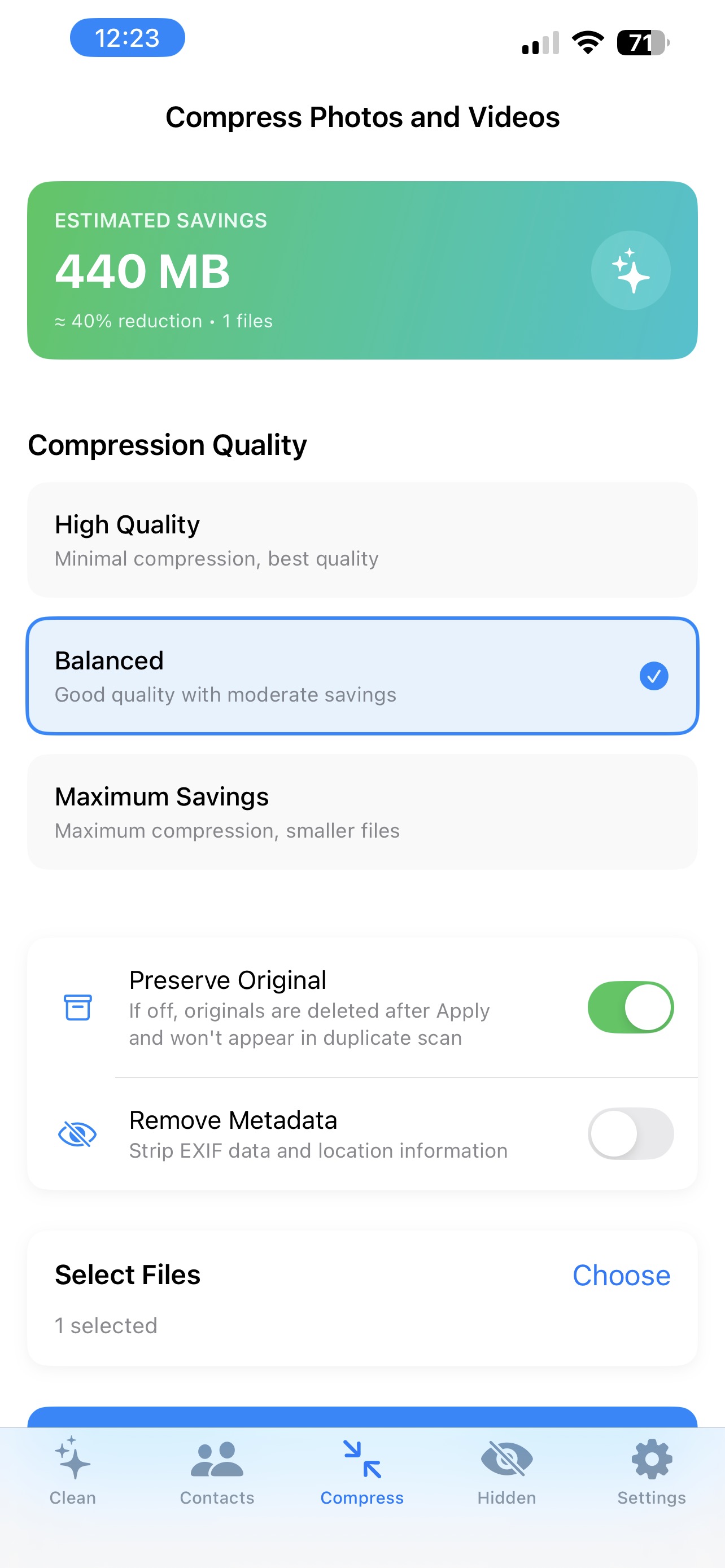
Yes. You can reduce file size while keeping visual quality, choose the quality level, and compare original and compressed sizes before saving.
Which devices are supported?
Storage Cleaner requires iOS 17.0 or later according to the App Store listing and runs on iPhone. It is also listed as compatible with iPad (iPadOS 17.0 or later). It is available in English and Simplified Chinese.
Does it need an internet connection or an account?
No account is needed, and scanning and cleanup run on the device without uploading your data.